


1. Installing the Dable Plugin
•
By uploading .zip directly to your WordPress server
◦
◦
Unpack and upload the Dable plugin to /wp-content/plugins/ directory.
◦
Activate the Dable plugin in the ‘Plugins’ menu in WordPress.
•
By using the Admin page in your wordpress site
◦
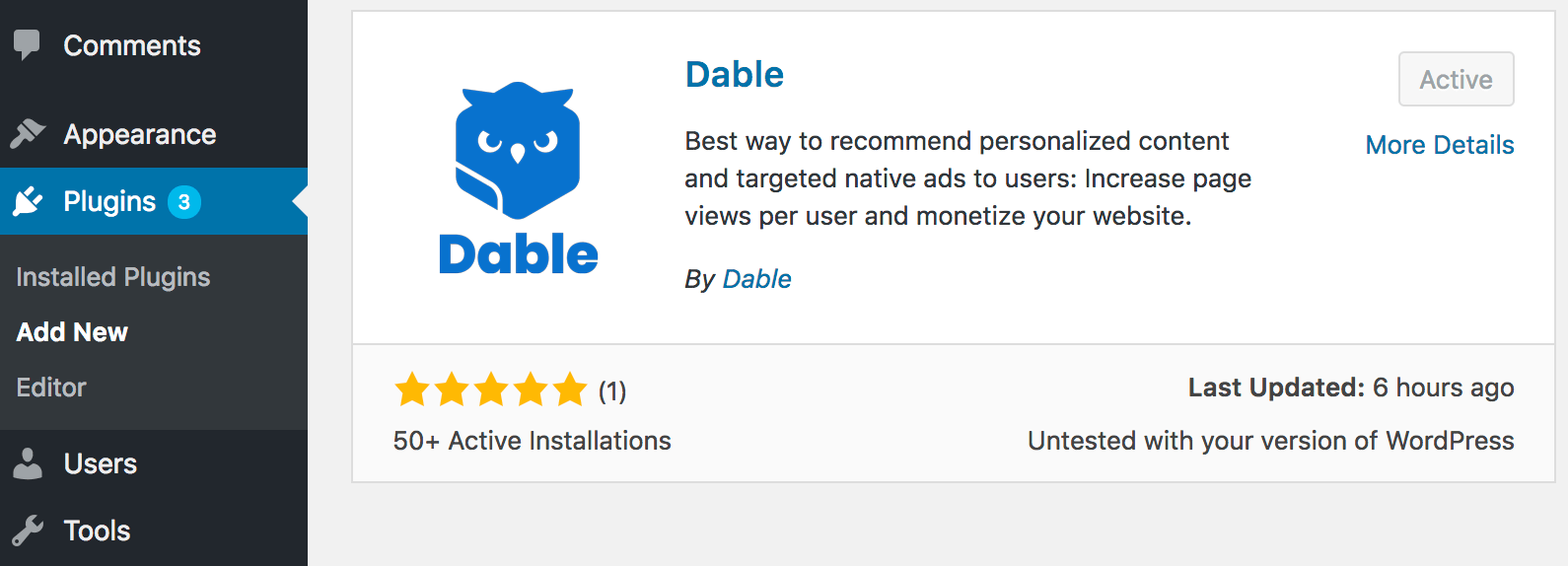
Visit ‘Plugins’ and click the ‘Add New’ button.
◦
Search for ‘Dable’ and activate it.
2. Setting up the plugin
•
Once the plug-in installation is complete, please follow the instruction below.
<Default Setting>
•
Turn ON the “Content Wrapper Setting” checkbox to collect the article body.
•
Please select the type of post you’d like to include in your featured content. Switch the “Posts” button to ON if you want to use them for content recommendation. If you want to include Notice or Contact pages into the recommendation, switch the button to ON for those Pages too.
<Open Graph>

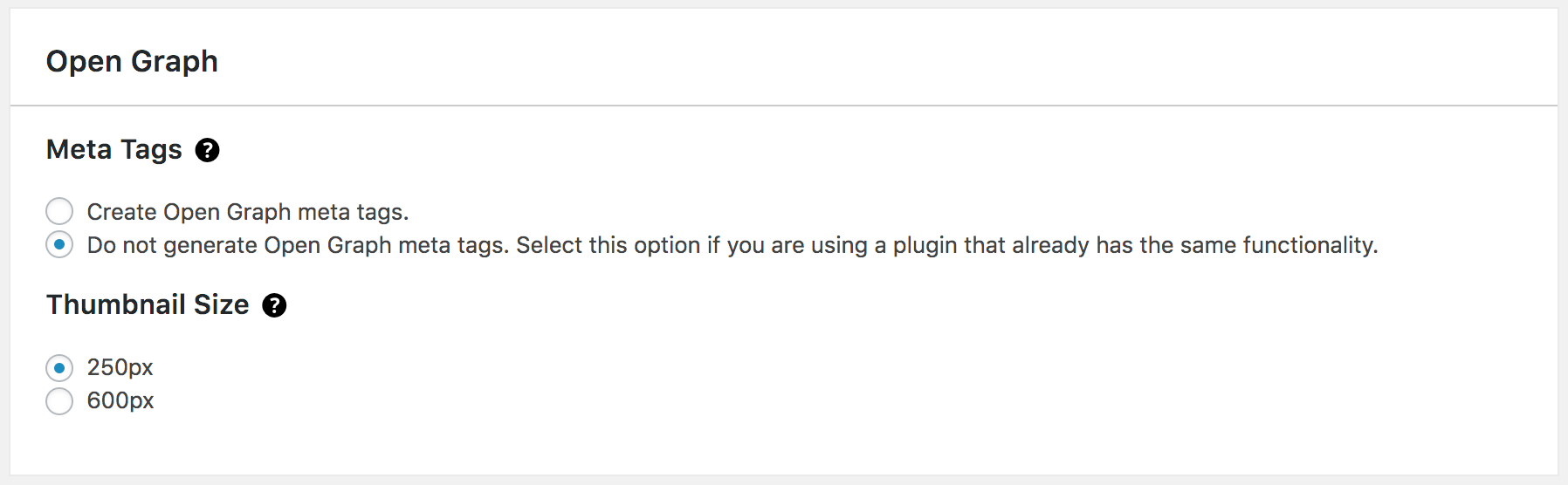
Insert meta tags such as content title, description, thumbnail, published date, author, etc. To use the personalized content recommendation, please select the “Create Open Graph meta tags”.
•
The size of the thumbnail is set to 250px by default.
•
If you want higher resolution, please select 600px. Please note that if you select the 600px option, the server cost for the image transfer will be increased.
<Widget Setting>
•
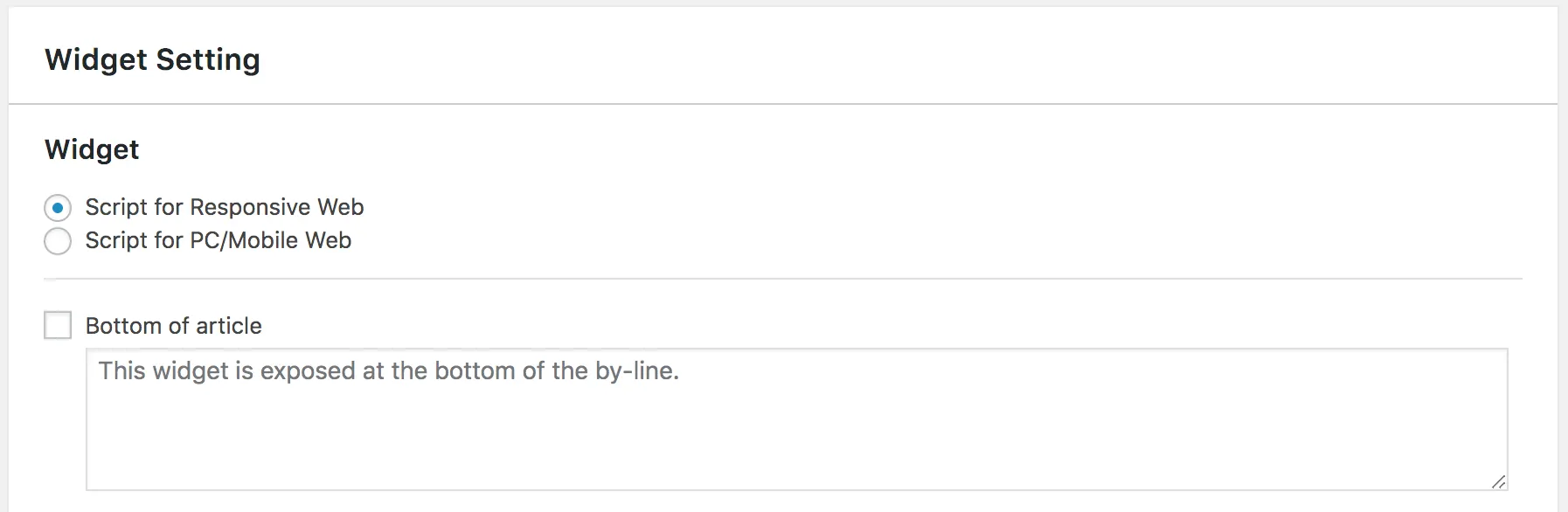
Select Script for responsive web Or Script for PC/Mobile according to your site, whether responsive or divided into PC and mobile.
•
Please put the widget script you received via email in the box. You should check the box to enable that slot. (article bottom, left side of article, right side of article). ※ The result of “Left side of article”, ‘Right side of article” can be varied, depends on your theme. Please do a test before using it.
Even if you finished the process, the widget will not be exposed immediately. The widget will appear automatically after Dable gets plenty of logs. It may take 1 to 7 days depending on your site’s traffic.
3. Confirming
<Please make sure you inserted the meta tags correctly.>
•
Copy one of the URL of your blog content.
•
•
On the left side is a list of the required tags for recommendation, and the right side is a value of each tag. Tags that are not property inserted will be displayed with a red background. If the background color is in red, please check the tag again and correct it.
•
Common Mistakes
◦
Incorrect double quotation marks (“”)
◦
Typo
◦
Using the same values from the Dable guideline examples
◦
Inserting Open Graph meta tags multiple times
<Please make sure that you inserted the log collection script correctly.>
•
Log in to the Dable Dashboard and click Log Status > Log Collection Status on the left.
•
If the logs are being collected well in real-time, the log collection script have been properly applied.
•
If not, please check the script and correct it.
